What is PinRecipe? +
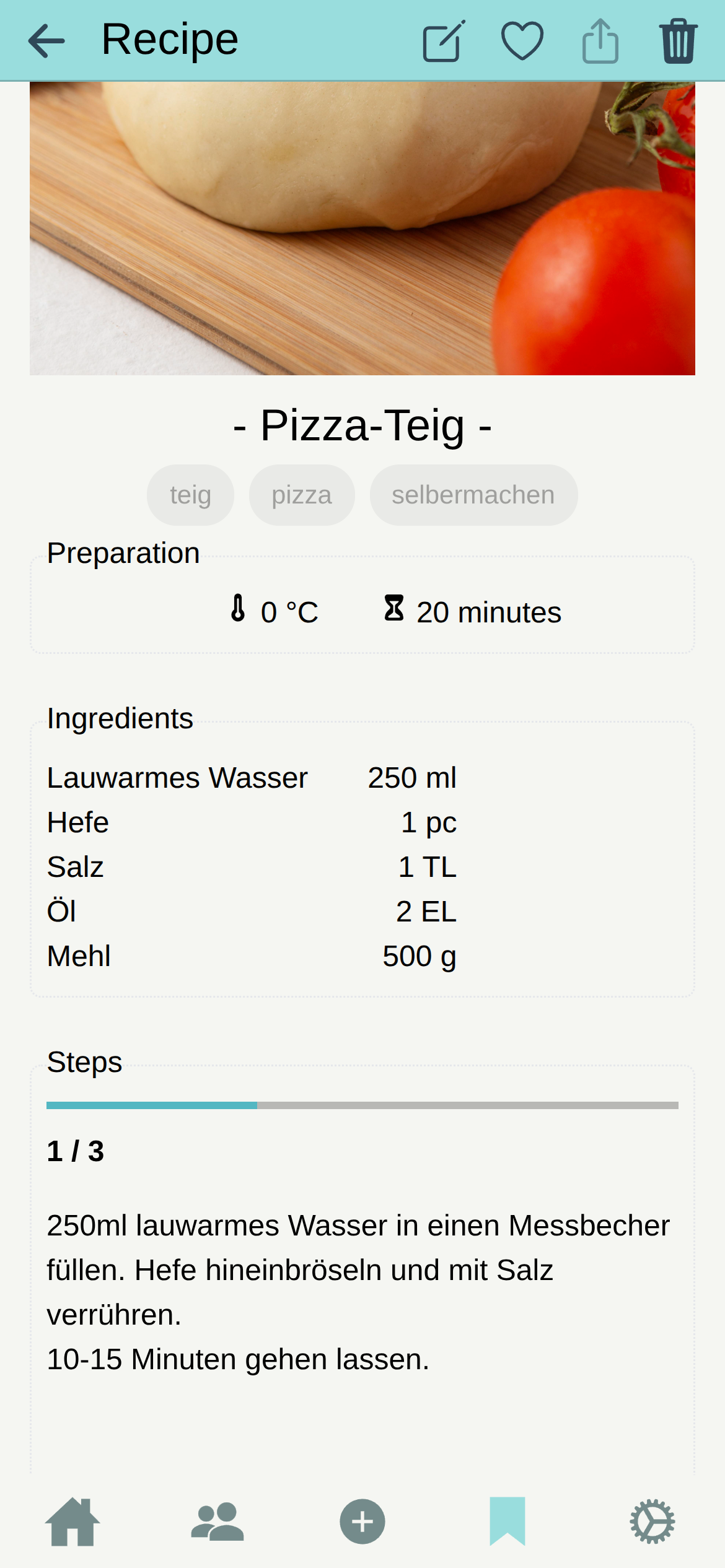
PinRecipe is a personal digital cookbook for iOS, Android, and the web. You can create recipes, import supported recipe links, organize everything into collections, and share individual recipes with family and friends.
Is PinRecipe free to use? +
Yes. The free plan includes unlimited recipes, up to five collections, link import, offline access on mobile, sharing, and cloud sync when you sign in. Premium removes ads and adds unlimited collections and shared family collections.
How does importing a recipe link work? +
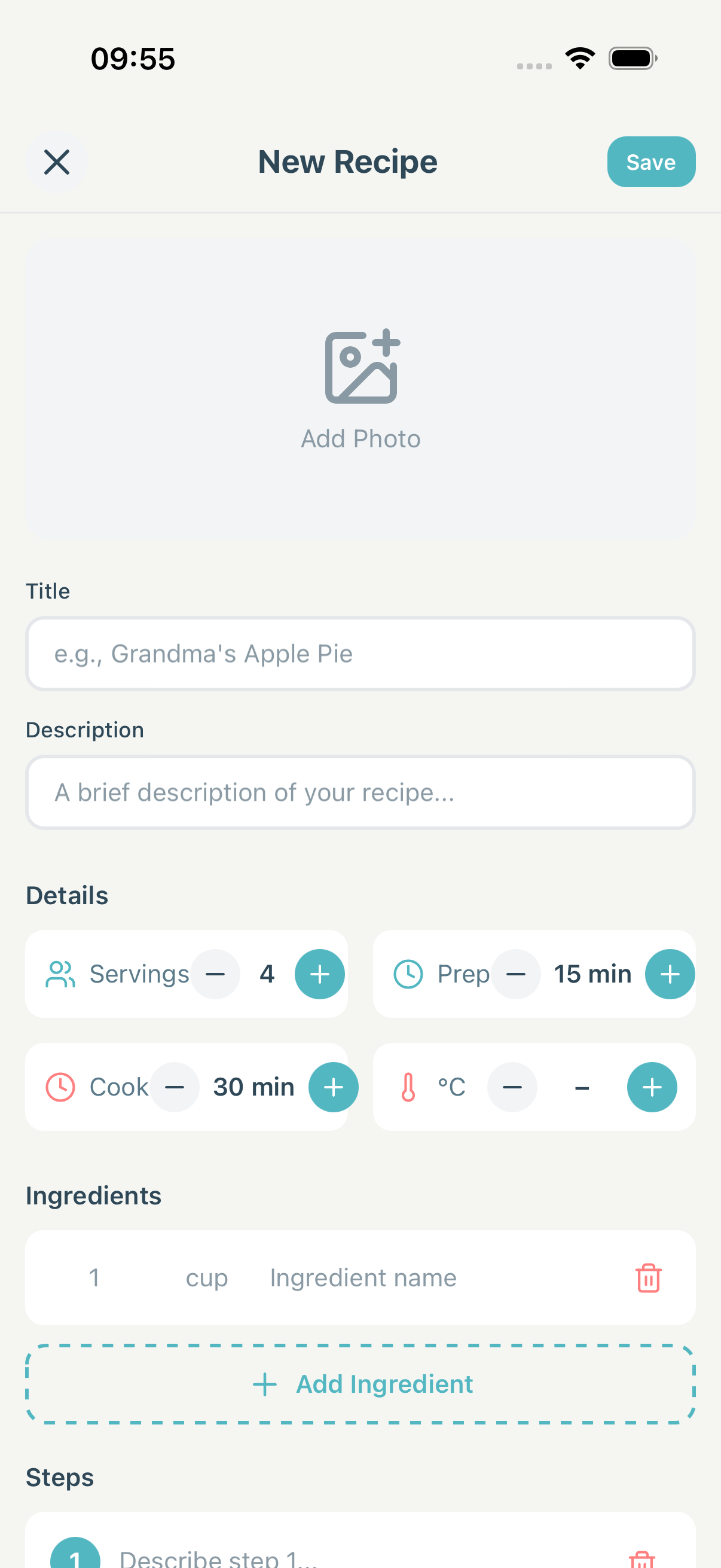
Paste a link to a supported recipe website into the recipe editor. When the page provides structured recipe data, PinRecipe fills in available details such as the title, ingredients, steps, times, servings, and image. You review everything before saving. Some websites block access or provide incomplete data, so not every link can be imported.
Can I import links shared from other apps? +
On iOS and Android, you can share a web link to PinRecipe from your browser or another app. PinRecipe opens the import editor and attempts to read the linked recipe page. This does not currently extract recipes directly from photos, screenshots, PDFs, or arbitrary social-media posts.
How does cloud sync work? +
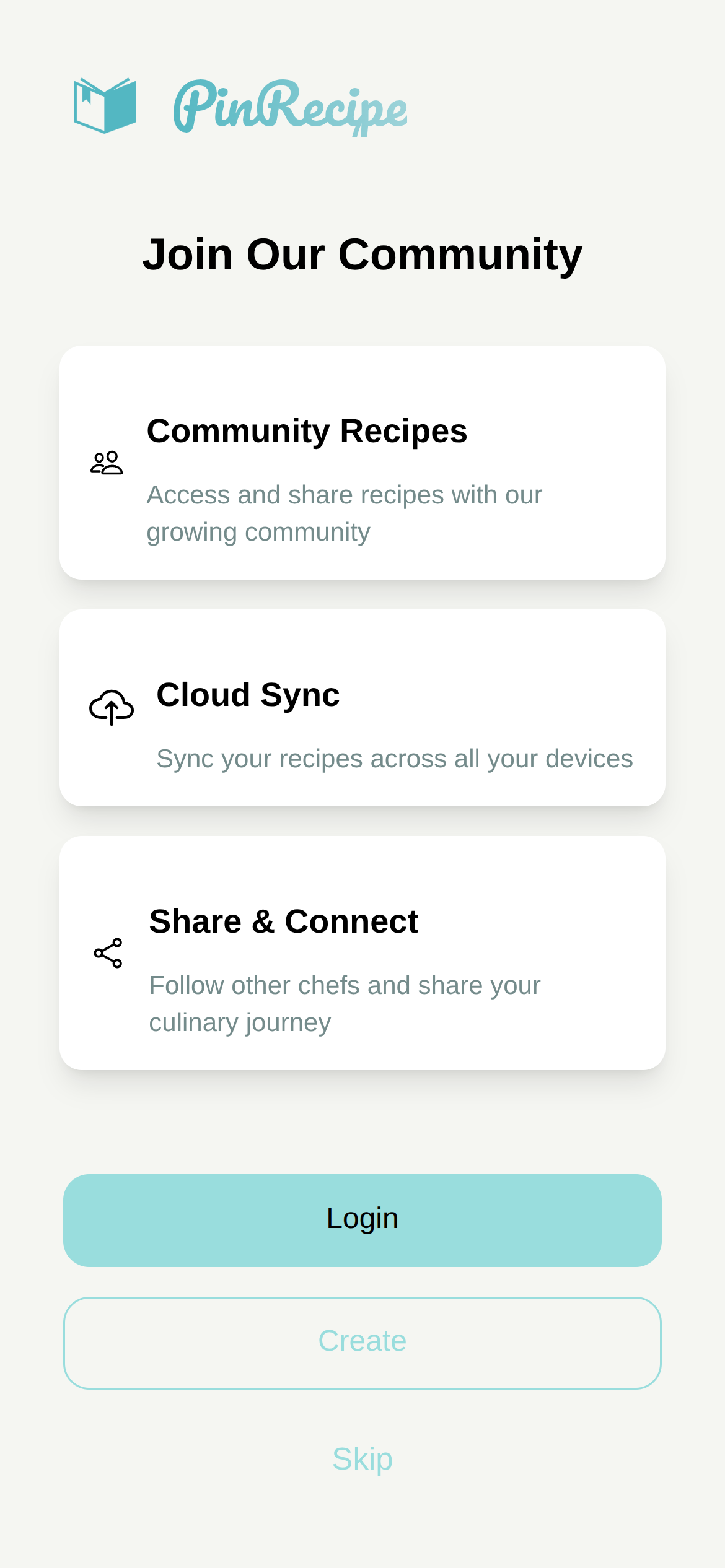
Cloud sync is included in the free plan. Sign in with a free account and PinRecipe syncs your recipes when the device is online. Changes made offline remain on that device and are uploaded after you reconnect. Without an account, your recipes remain local to the device.
Can I share recipes with friends and family? +
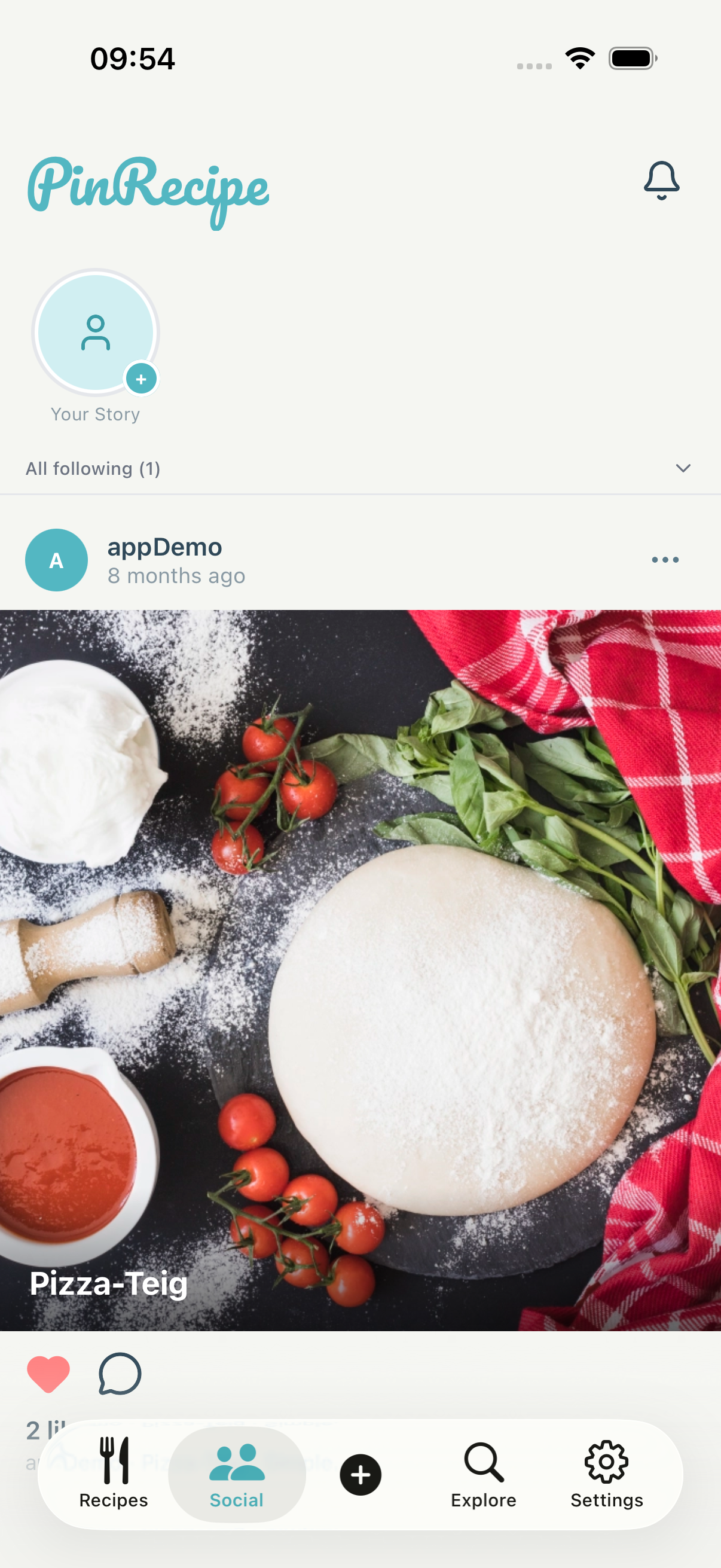
Yes. PinRecipe creates a shareable link for an individual recipe, and recipients can view it without installing the app. Premium users can also create a shared collection and invite signed-in family members or friends to contribute.
Does PinRecipe work offline? +
Recipes already stored on your iPhone, iPad, or Android device remain available without an internet connection. Importing, sharing, discovering community content, and cloud sync require a connection.
How do I organize my recipes into collections? +
Use custom collections for cuisines, occasions, diets, or anything else. A recipe can belong to several collections. The free plan lets you create up to five collections; Premium removes that limit.
Is my recipe data private and secure? +
If you use an account, your recipes and images are stored through Firebase so they can sync between your devices. We do not sell your personal recipe data. The free version uses advertising services that may process device data; see the privacy policy for full details.
What platforms is PinRecipe available on? +
PinRecipe is available on iPhone and iPad (iOS 16+), Android phones and tablets (Android 9+), and as a web app at app.pinrecipe.io. When you sign in and are online, your recipe collection syncs between these platforms.
How do I move to PinRecipe from another recipe app? +
There is no bulk import from other recipe apps yet. You can paste supported public recipe links one at a time or recreate recipes in the editor. Photos, screenshots, PDFs, and proprietary exports are not imported automatically at this time.